Unlock the Hidden Diagnostics Menu on Your Samsung Phone
Do you own a Samsung phone that’s not performing as well as you’d like? Here’s a secret for you – you can access a hidden diagnostics menu with a special code. Tech expert @tatechtips recently shared this code in a viral TikTok video, garnering over 558.7k likes.
How to Access the Menu
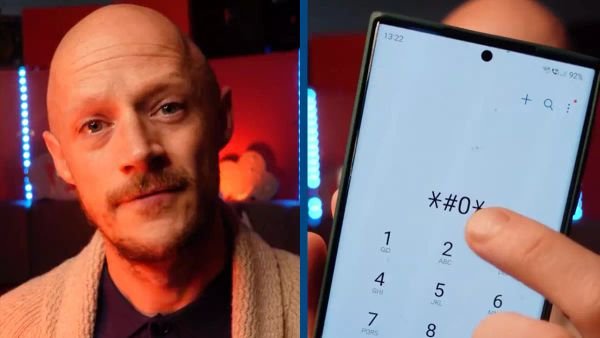
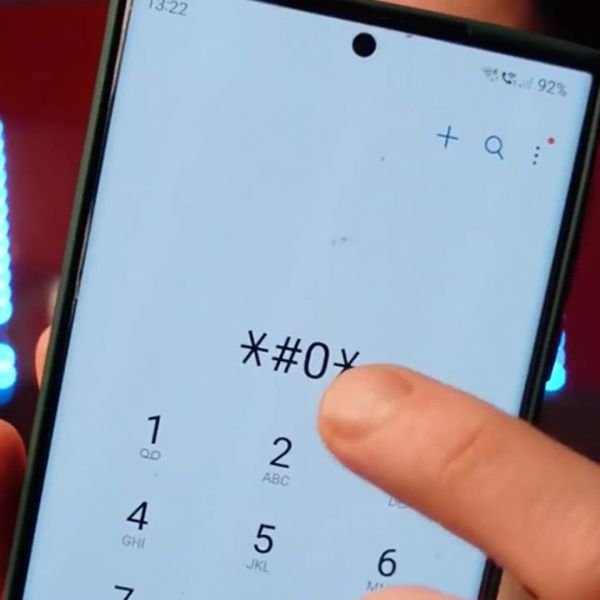
Simply enter #0# into your device’s keypad. This will unlock a diagnostics menu where you can test and diagnose any issues with your phone.
Features of the Diagnostics Menu
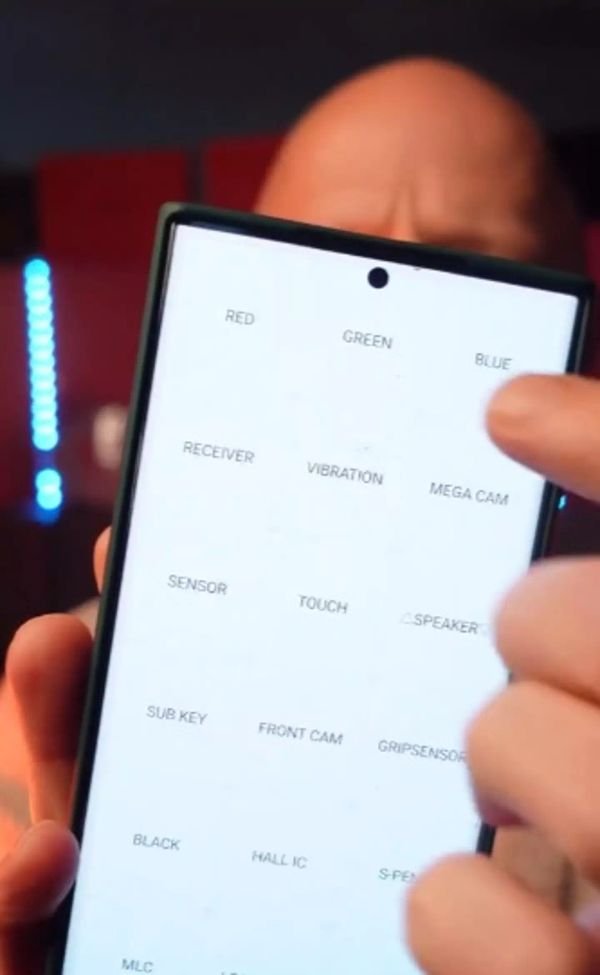
Once you’ve entered the code, you’ll find a range of tests to ensure everything is in perfect working order:
- Front Camera Test: Check if your front camera is functioning properly.
- Speaker Test: Test the speaker to ensure sound quality.
- Screen Test: Examine the colors and touch responsiveness of your screen.
Important Notes
Before trying this on your Android phone, keep in mind:
- This code works specifically for Samsung devices.
- It might not work on all Samsung phones, as some carriers block this functionality on certain handsets.
Using the Touchscreen Test
One of the most useful tests is for your phone’s touchscreen. Follow the instructions to trace an ‘X’ shape within a box on the screen. If the screen turns green, your touchscreen is in good condition. If you struggle to exit the touch test, complete the test, and you’ll return to the main diagnostics page. Alternatively, press the volume up button or tap the back button twice to exit the menu.
Conclusion
This secret hack has taken the internet by storm. Whether you’re testing a phone before buying it or just curious about your device’s performance, this hidden diagnostics menu is worth a try. So, go ahead and unlock the hidden features to unleash the full potential of your Samsung phone!
